Blooket1: 5 Secrets That Make Learning Addictive
What Is Blooket? A Beginner’s Friendly Guide
If you have ever sat through a classroom quiz that felt more like a chore than a challenge, Blooket was built to fix exactly that problem. It is a web-based learning platform that turns ordinary review questions into fast-paced, game-show style competitions. Teachers upload or import a question set; students join using a simple game code, and within seconds, a plain quiz becomes a race, a battle, or a treasure hunt.
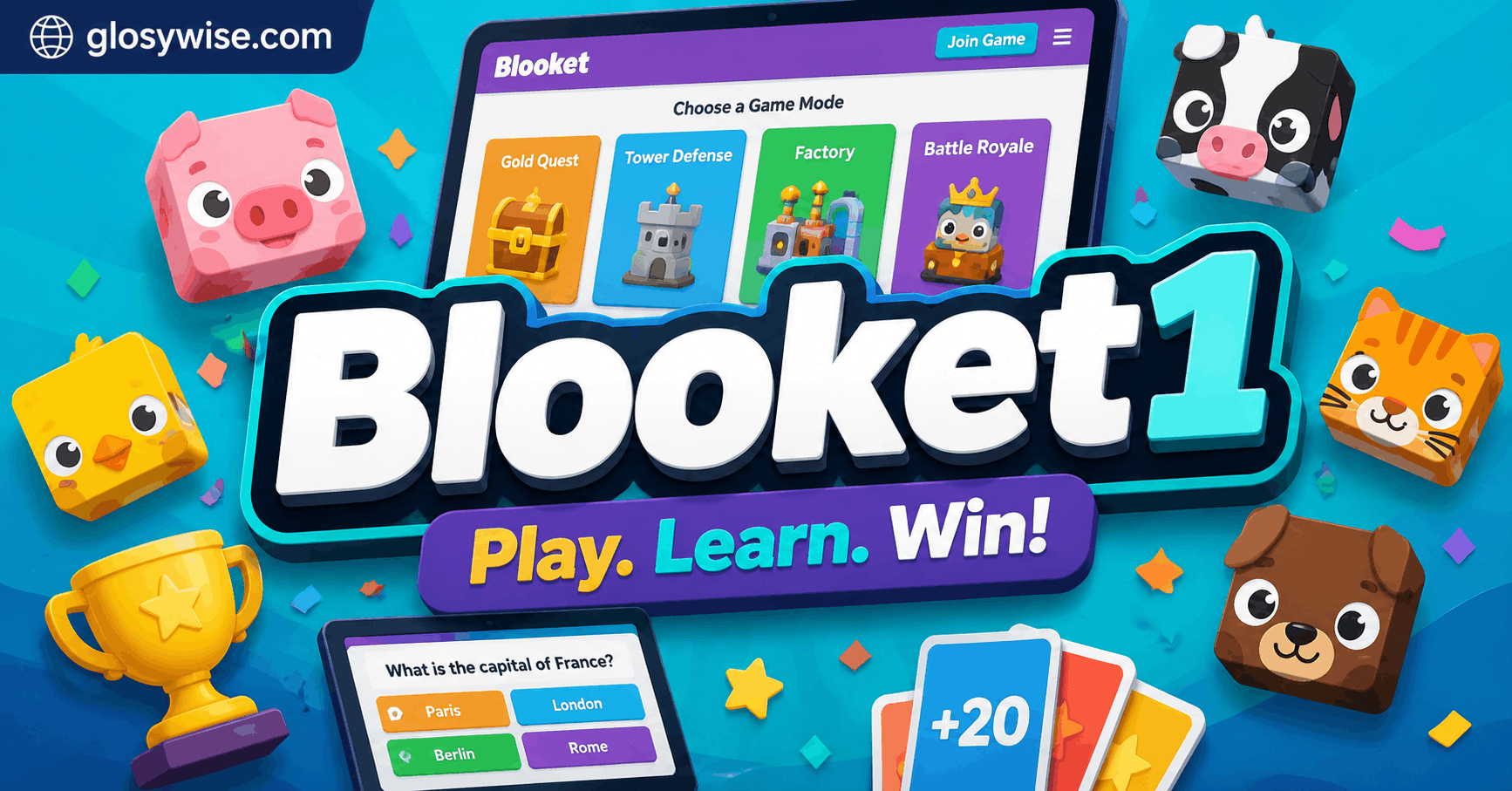
What makes Blooket stand out from older quiz tools is choice. Instead of one fixed format, the platform offers a rotating library of game modes, so the same set of questions can feel brand new every time it is played. That variety is a big reason it has become a staple in classrooms, homeschool groups, and even corporate training sessions.
How Blooket1 Works Behind the Scenes
- A host (usually a teacher) creates or selects a question set from the library or builds one from scratch.
- The host starts a live game and shares a short numeric code on screen.
- Players join from any device with a browser — no app download required.
- Correct answers earn in-game currency or points, which players spend on collectible characters called Blooks.
- The game ends with a leaderboard, and progress can often be tracked over time.
This blend of quiz mechanics and light gaming rewards keeps engagement high, especially among younger learners, who respond well to instant feedback and visible progress.
Key Features That Set Blooket Apart
Blooket’s core strength lies in combining education with genuine gameplay variety. Below are the features most users mention first:
- Multiple game modes built around the same question set
- Collectible Blooks that add a light gamification layer
- Homework mode for asynchronous, self-paced practice
- Live analytics showing which questions students struggled with
- Import tools that pull questions from spreadsheets or other quiz platforms
- Cross-device access, working on Chromebooks, tablets, and phones
Popular Game Modes at a Glance
| Game Mode | Best For | Pace | Group or Solo |
| Gold Quest | General review with a strategy twist | Medium | Group |
| Tower Defense | Reinforcing repetition | Fast | Group |
| Café | Casual, low-pressure practice | Slow | Group or Solo |
| Battle Royale | Competitive review sessions | Fast | Group |
| Factory | Long-term homework practice | Self-paced | Solo |
Benefits of Using Blooket in the Classroom
Advantages for Teachers
- Cuts prep time by reusing or importing existing question banks
- Provides instant, visual data on class-wide understanding
- Works as a warm-up, exit ticket, or full review session
- Requires no student accounts for quick, low-stakes games
Advantages for Students
- Turns repetitive review into something closer to play
- Rewards effort with visible, collectible progress
- Lowers the pressure of being wrong compared to raising a hand in class
- Encourages friendly competition without singling out struggling students
How to Create a Blooket Account
Getting started takes only a few minutes:
- Visit the official Blooket1 website and choose to sign up as a teacher or student.
- Verify the account through the confirmation email.
- Build a question set manually, import one, or search the public library.
- Choose a game mode and host a live session, or assign it for independent practice.
Because no software installation is needed, most classrooms can be up and running within a single class period.
Blooket Pricing: Free Plan vs Plus Plan
Blooket offers a functional free tier alongside a paid upgrade for teachers who want extra tools. Exact pricing and included features can change, so it is worth checking the official site before purchasing, but the general structure looks like this:
| Plan | Typical Access | Good For |
| Free | Core game modes, public question sets, basic hosting | Casual or occasional use |
| Plus (Paid) | Extra game modes, advanced analytics, custom Blooks | Frequent classroom use |
Tips to Maximize Student Engagement
- Rotate game modes regularly so the format never becomes predictable
- Keep question sets short for younger students to maintain focus
- Use homework mode for spaced repetition instead of one-time cramming
- Pair Blooket1 sessions with a short class discussion afterward to reinforce the material
- Set clear expectations about fair play, since fast-paced modes can get competitive
Common Challenges and How to Solve Them
Even a well-designed tool has friction points. A few frequent ones:
- Noise and excitement getting out of hand — solved by choosing slower-paced modes like Café for high-energy groups.
- Uneven participation — solved by using team-based modes so quieter students aren’t isolated.
- Device or connectivity issues — solved by testing the game code and network beforehand.
Frequently Asked Questions
Is Blooket1 free to use?
Yes, a free version is available with access to core game modes and public question sets. A paid tier adds extra features for teachers who use it heavily.
Do students need an account to play?
No. Students can typically join a live game using only a game code, without creating an account, which makes it fast to set up for a single class period.
Can Blooket be used outside the classroom?
Yes. Many families use it for homeschool review, and some workplaces use it for light training or onboarding quizzes.
What devices does Blooket support?
It runs in a web browser, so it works on Chromebooks, laptops, tablets, and smartphones without needing an app.
Final Thoughts
Blooket1 works because it treats review time as something worth looking forward to rather than something to get through. The mix of game modes, light collectible rewards, and simple hosting makes it approachable for teachers who are short on prep time and appealing to students who would rather compete than fill in a worksheet. Whether it fits your classroom, homeschool routine, or team training session probably comes down to one honest test — try a single free session and watch how the room reacts.